
Best eSIM for Philippines 2026: Cheapest Plans for Island Hopping
A complete guide to eSIM plans for the Philippines covering real plan pricing from eSIMHop, network coverage across major islands, essential apps for Filipino travel, and setup instructions — with specific advice for island-hopping itineraries.
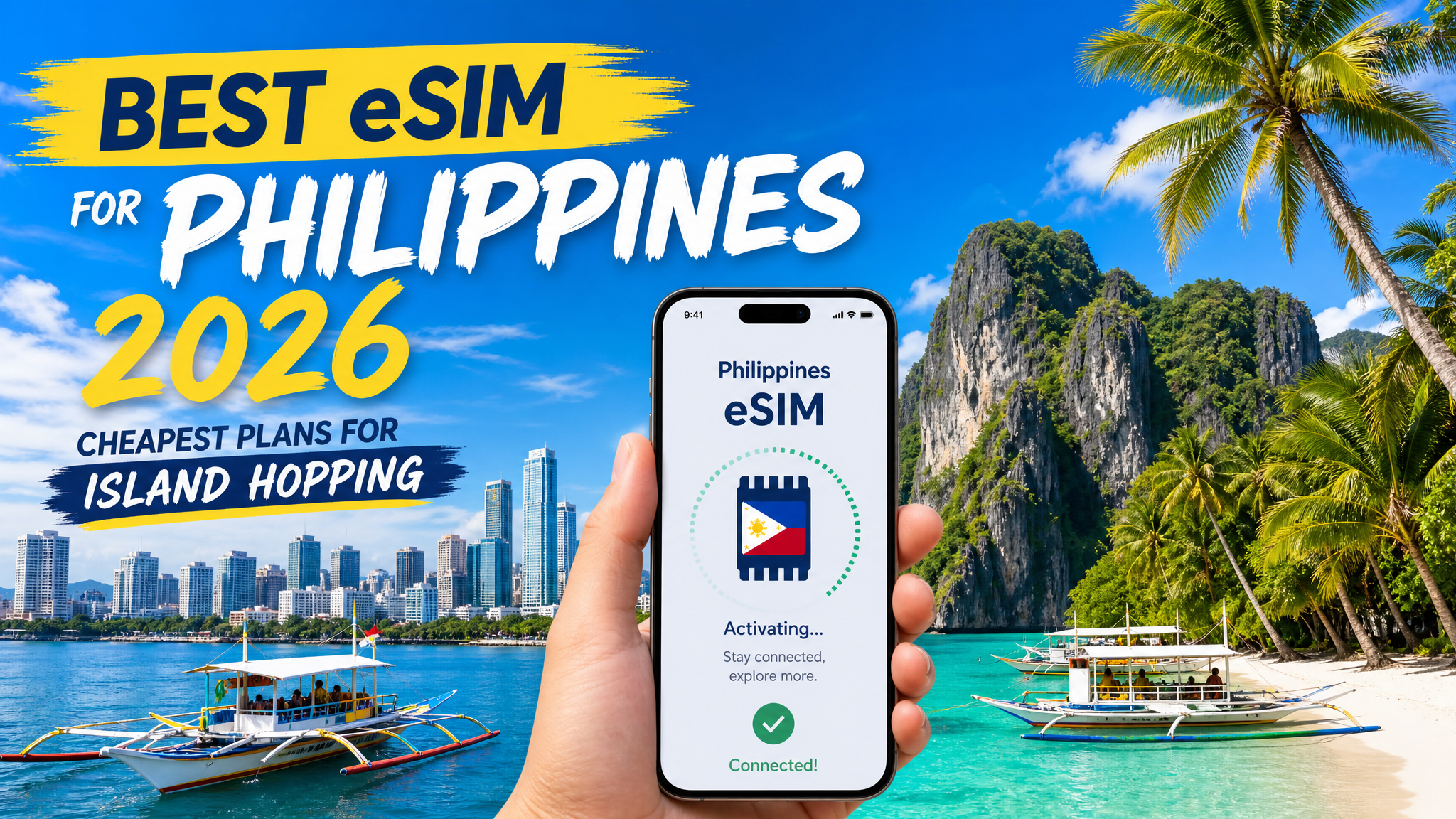
Planning a trip to the Philippines in 2026? Whether you're exploring Manila, relaxing in Palawan, or island-hopping through the Visayas, staying connected is essential. This guide covers the best eSIM plans for the Philippines, with real pricing, coverage details, and practical tips for travelers.
Why Use an eSIM for the Philippines
The Philippines is an archipelago of 7,641 islands, and mobile data is your lifeline for:
- Grab: The go-to ride-hailing app in Manila, Cebu, and Davao
- Google Maps: Essential for navigating Manila's traffic and finding hidden beaches
- Booking ferries and island transfers: Most booking platforms require internet access
- Google Translate: Helpful in rural areas where English is less common
- Staying in touch: WhatsApp and Facebook Messenger are widely used across the country
An eSIM means you skip the long queues at NAIA airport SIM counters and land already connected.
Philippines eSIM Plans (2026)
Here are the available plans from eSIMHop for the Philippines:
Budget Plans
| Plan | Data | Validity | Price | Speed |
|---|---|---|---|---|
| Philippines 100MB 7Days | 100MB total | 7 Days | $1.00 | 3G/4G/5G |
| Philippines 3GB 15Days | 3GB total | 15 Days | $6.65 | 3G/4G/5G |
Best for: Light travelers who mostly use hotel WiFi and just need data for maps and messaging on the go.
Best Value Plan
| Plan | Data | Validity | Price | Speed |
|---|---|---|---|---|
| Philippines 50GB 180Days | 50GB total | 180 Days | $79.80 | 3G/4G/5G |
Best for: Long-stay travelers, digital nomads, or anyone spending several months in the Philippines.
Note: eSIMHop offers 19 Philippines plans in total. Visit eSIMHop Philippines Plans to see all available options including daily plans and other data sizes.
Philippines Network Coverage: What to Expect
The Philippines has two major carriers — Globe Telecom and PLDT/Smart — with expanding 5G networks:
- Manila (Metro Manila): Full 5G and 4G LTE coverage. Speeds typically 30-100 Mbps in urban areas
- Cebu City, Davao, Iloilo: Strong 4G coverage. 5G available in city centers
- Palawan (Puerto Princesa, El Nido): 4G available in town centers. Signal weakens in remote beaches and jungle areas
- Siargao: 4G coverage in Cloud 9 and General Luna. Remote parts of the island have limited signal
- Boracay: Good 4G coverage across the island — it's a tourist hub with solid infrastructure
- Remote islands and rural areas: Coverage can be patchy. Download offline maps before heading off the beaten path
Practical tip: The Philippines has some of the most beautiful but remote destinations in Southeast Asia. Always download offline maps for any island you're visiting.
How Much Data Do You Need in the Philippines?
| Activity | Data per Hour | Daily Estimate |
|---|---|---|
| Google Maps navigation | 5-10MB | 50-100MB |
| Social media browsing | 50-100MB | 200-500MB |
| Messaging (WhatsApp/Messenger) | 1-5MB | 20-50MB |
| Grab ride-hailing | 5-10MB per trip | 20-50MB |
| Video calls (Zoom/FaceTime) | 300-500MB | 500MB-1GB |
| Photo backup to cloud | 100-500MB | 200MB-1GB |
Reality check for island hopping: You'll often be on boats, beaches, or in areas with limited signal. Your actual data consumption may be lower than expected — but you'll want a buffer for when you're in cities.
eSIM vs Philippine Airport SIM Card
| Feature | eSIM | Airport SIM (Globe/Smart) |
|---|---|---|
| Activation | Before arrival | 20-45 min queue at NAIA |
| Passport required | No | Yes |
| Keep your number | Yes (dual SIM) | No |
| Top-up | Online | Visit a store or use GCash |
| Works on arrival | Yes | After activation |
NAIA (Ninoy Aquino International Airport) SIM counters can have significant queues, especially on international arrival floors. With an eSIM, you're connected before you even land.
How to Set Up Your Philippines eSIM
Before Your Trip
- Check device compatibility: iPhone XS or newer, Samsung Galaxy S20+, Google Pixel 3+
- Purchase your plan: Select a Philippines eSIM plan at eSIMHop
- Install the eSIM: Scan the QR code from your email via Settings → Cellular → Add eSIM
- Label it: Name it "Philippines Travel" for easy identification
When You Arrive
- Enable the eSIM: Settings → Cellular → select your Philippines eSIM
- Turn on Data Roaming: This is required for travel eSIMs to connect
- Set as primary data line: Make sure the eSIM is selected for cellular data
- Toggle airplane mode: On and off once to force a network connection
You should be connected within 60 seconds of landing.
Essential Apps for Philippines Travel
Download these before you leave:
- Grab: Ride-hailing in Manila, Cebu, and Davao. Also handles food delivery
- Facebook Messenger: Widely used for communication — many businesses only respond on Facebook
- Google Maps: Download offline maps for Manila, Cebu, and Palawan before you go
- Klook / GetYourGuide: Book island tours, transfers, and activities
- Agoda: Best hotel deals in the Philippines, especially for resorts
- 12Go Asia: Ferry and bus bookings between islands
Tips for Using eSIM in the Philippines
- Download offline maps for every island: El Nido, Coron, and Siargao have limited signal in many areas. Offline maps are essential
- Use Facebook Messenger for local communication: Many Filipino businesses, tour operators, and guesthouses communicate primarily through Facebook
- Save data on ferry rides: You'll have no signal on open water. Download entertainment before boarding
- Charge your phone before island trips: Power outlets can be scarce on remote islands
- Use hotel WiFi for large uploads: Uploading photos and videos to cloud storage is best done on hotel WiFi to preserve your data
eSIM vs Pocket WiFi for Philippines Travel
| Feature | eSIM | Pocket WiFi |
|---|---|---|
| Price | From $1.00 | $8-15/day rental |
| Activation | Instant (before arrival) | Pick up at airport |
| Battery needed | No (uses phone) | Yes (separate device) |
| Share with others | Hotspot supported | Built-in sharing |
| Keep your number | Yes (dual SIM) | Yes |
| Return required | No | Yes |
| Works on islands | Depends on coverage | Depends on coverage |
For solo travelers, eSIM is the clear winner. Pocket WiFi only makes sense if you're traveling in a group and want to share one connection.
Frequently Asked Questions
Does eSIM work in El Nido and Palawan?
Yes, but with limitations. El Nido town has 4G coverage. The beaches and lagoons (Big Lagoon, Small Lagoon, Secret Beach) are in remote areas with limited or no signal. Download offline maps and book tours before heading out.
Can I use Grab in the Philippines with an eSIM?
Yes. Grab operates in Manila, Cebu, Davao, and other major cities. It works perfectly with eSIM data. Set up your Grab account before you arrive.
Is 3GB enough for a 15-day Philippines trip?
For a trip that includes time on remote islands (where you'll have limited signal anyway), 3GB can be sufficient if you use hotel WiFi for heavy tasks. If you're spending most of your time in Manila or Cebu, consider a larger plan.
Do I need a local Philippine number?
Not for most tourist activities. WhatsApp, Messenger, and email handle most communication needs. If you need to receive SMS for local services, your home SIM can handle that while the eSIM manages data.
Does eSIM work in Boracay?
Yes. Boracay has good 4G coverage across the island, including the main beach (White Beach) and D'Mall area. It's one of the better-connected tourist islands in the Philippines.
What's the best eSIM plan for a 2-week Philippines trip?
Check the full list of 19 Philippines plans at eSIMHop to find the right data size for your usage. The 3GB 15Days plan at $6.65 is a good starting point for moderate users.
Last updated: May 2026. Prices and plans are subject to change. Visit eSIMHop Philippines Plans for current pricing.
Download the eSIMHop app for easier management
Buy, install and manage your eSIM plans on the go